
Are your critical assets
properly protected?
Critical assets such as customer data and payment systems.
Review where they are and which risks they connect to as part of the same picture.
WERANA · Enterprise server security
Exposed connections, unusual server activity, and paths to critical operations.
See risks together that are easy to miss in isolation,
and distinguish confirmed findings from areas that need further review.
Critical assets such as customer data and payment systems.
Review where they are and which risks they connect to as part of the same picture.
Remote access and publicly exposed services.
Review access scope and protection settings for the connections your business needs.
Location alone does not define the scope of a response. Review connected assets and critical operations together.
WERANA capabilities
Review risks across servers and services,
and support a response that fits the findings.
No results found.
Find devices outside your inventory and their open services within the inspection scope.
Learn moreapp: checkout-apiVerify policy existence and actual target coverage separately.
Compare access restrictions with running services to identify coverage that needs attention.
Learn morePOST /api/customerCredential exposure signals in observable traffic
Review excessive account privileges, long-lived credentials, and exposure signals in observable traffic.
Learn moreBased on collected connections.
A connection permitted by configuration.
A possibility inferred from permission relationships.
Review paths alongside supporting evidence
Review potential paths from entry points to critical assets and their evidence to identify where to respond.
Learn moreA request to stop the selected process.
This is a mockup. It does not approve or execute commands.Select the required scope: the affected process, a specific connection, or the target's network access.
Learn moreWhy WERANA Point Connection
Growing infrastructure, risks to review first, and evidence for reporting. Bring information together to support security decisions.
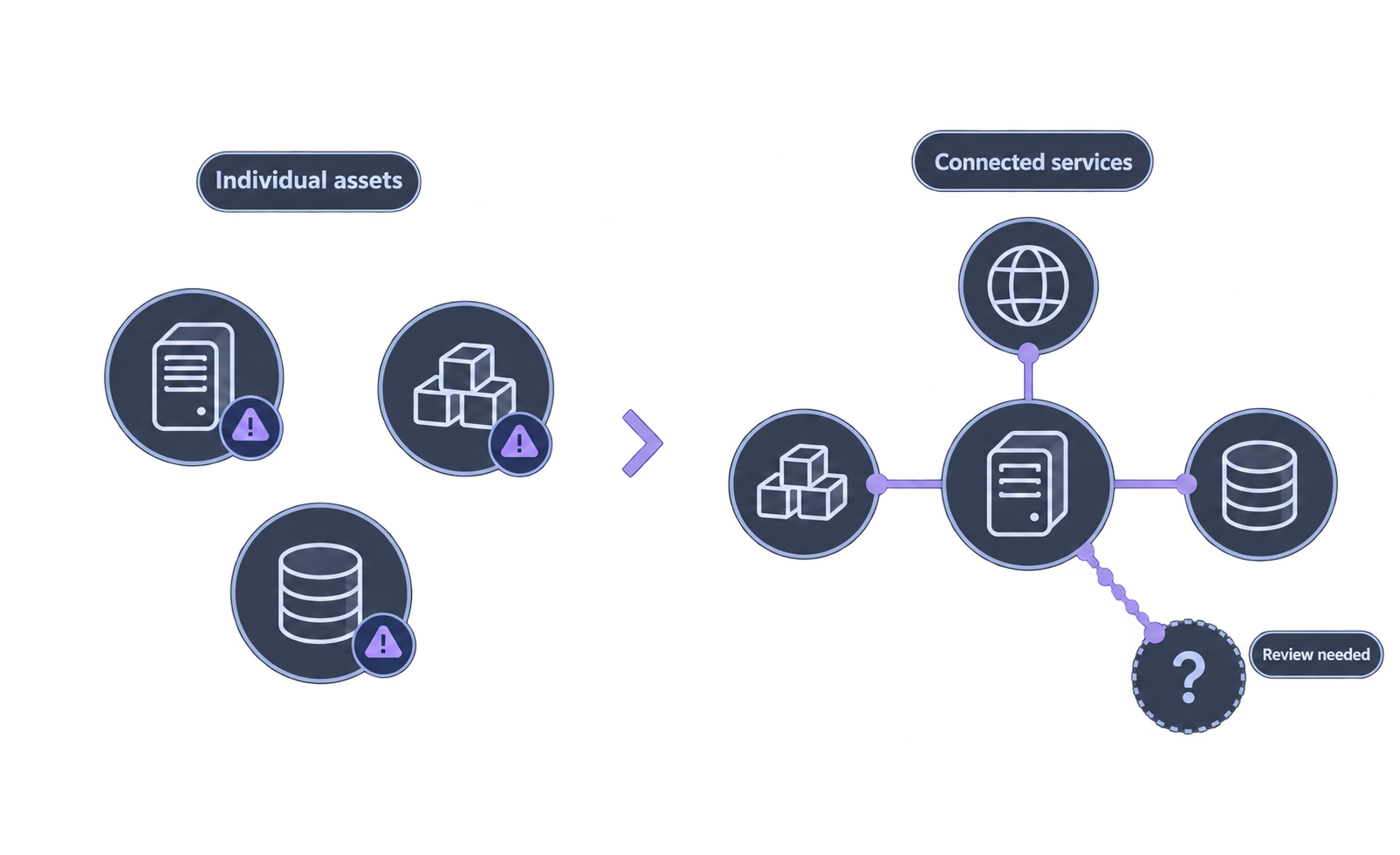
Review vulnerabilities and exposure alongside the relationships between servers, containers, and services.
Explore asset coverage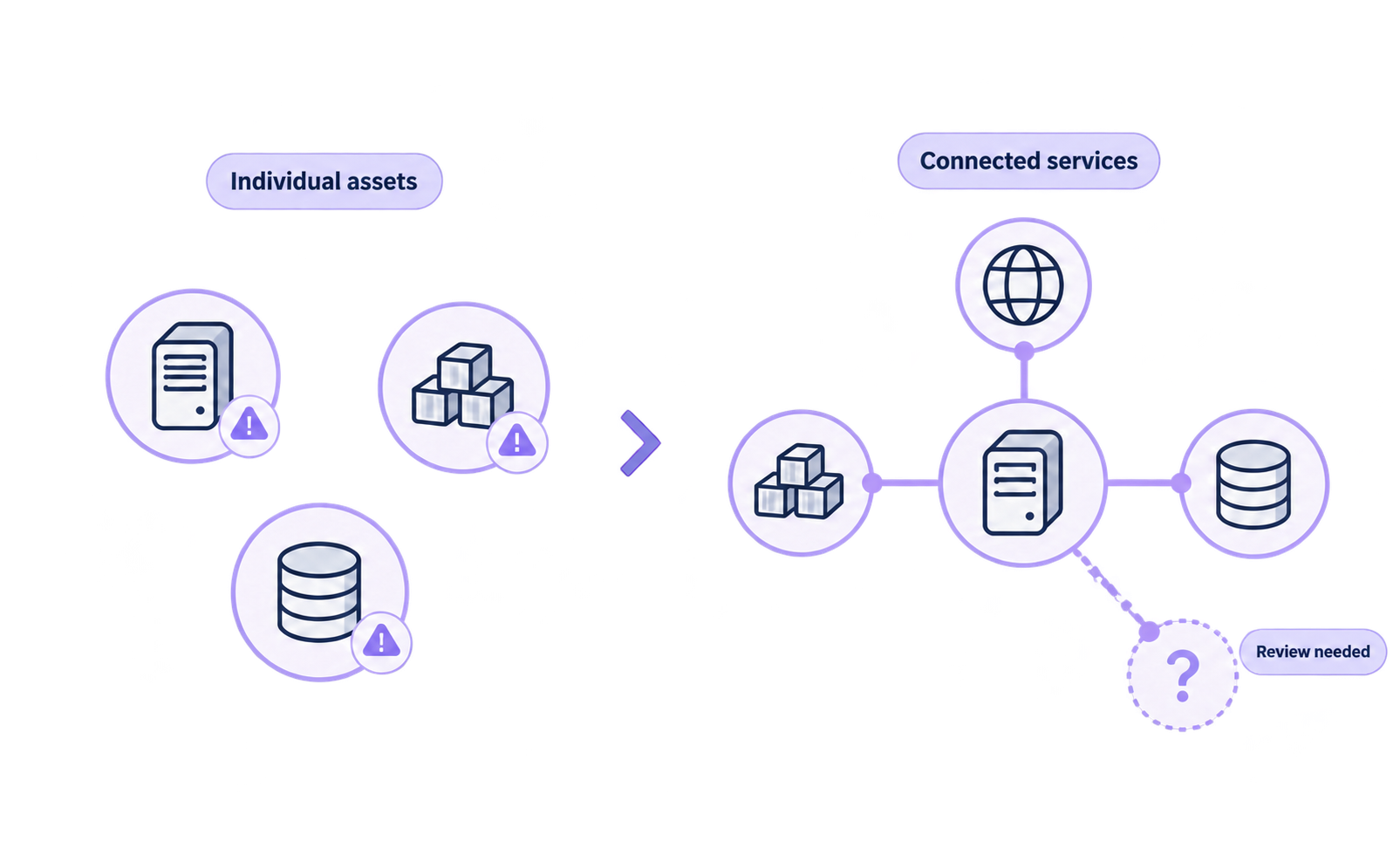
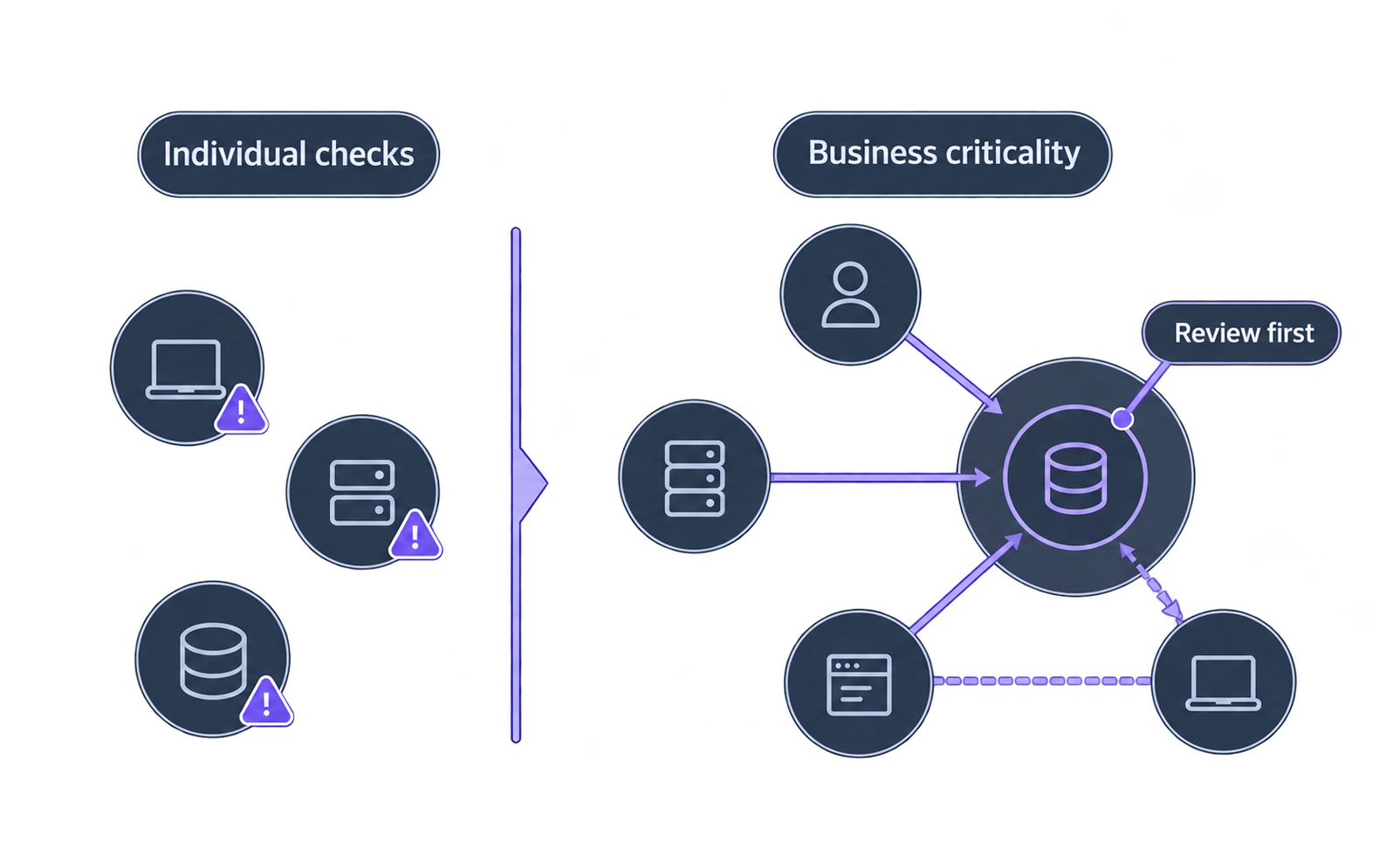
Consider asset criticality and connected risks to decide what to review first.
Explore business priorities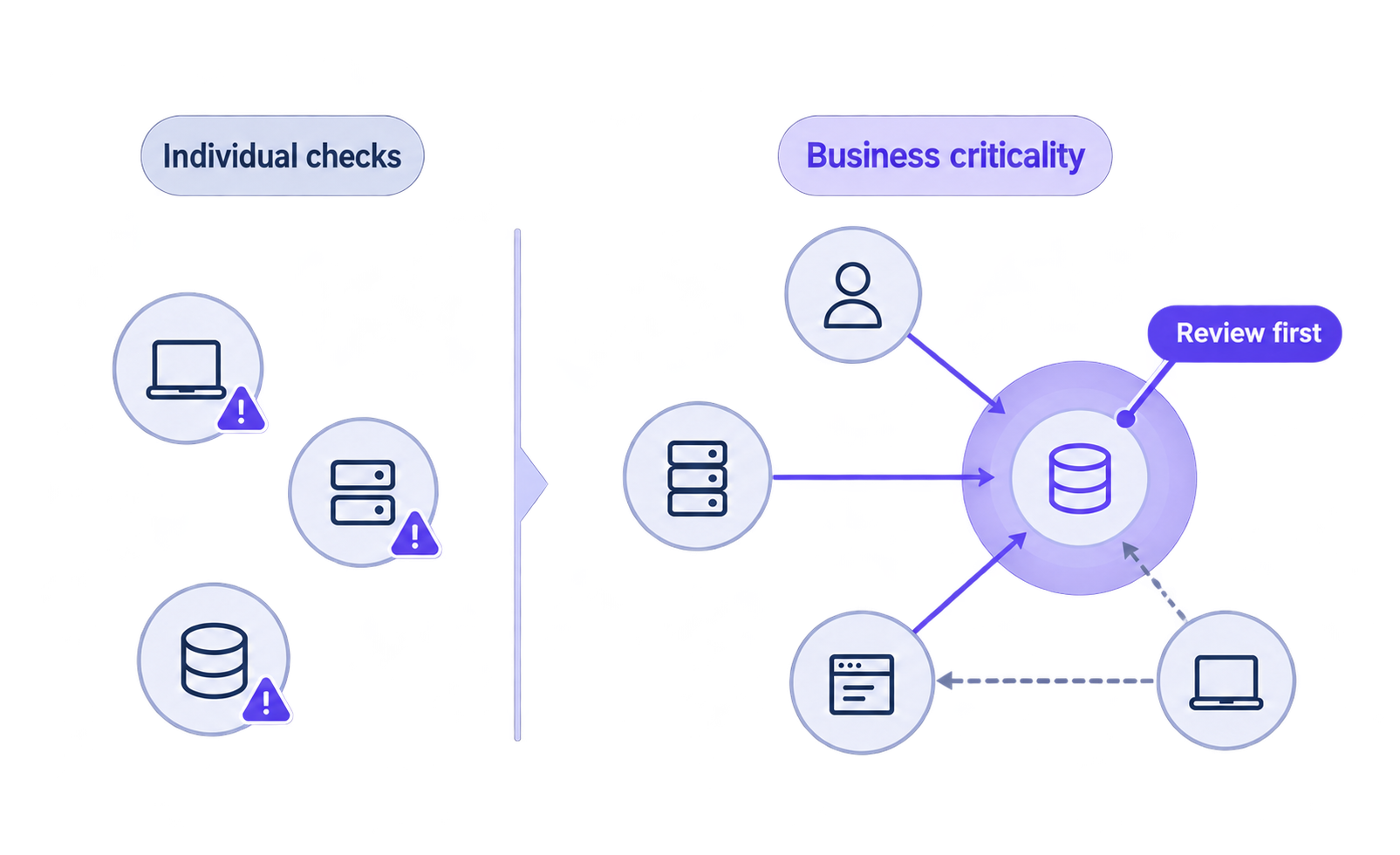
Retain the selected targets, scope, and results from each assessment.
Explore assessment evidence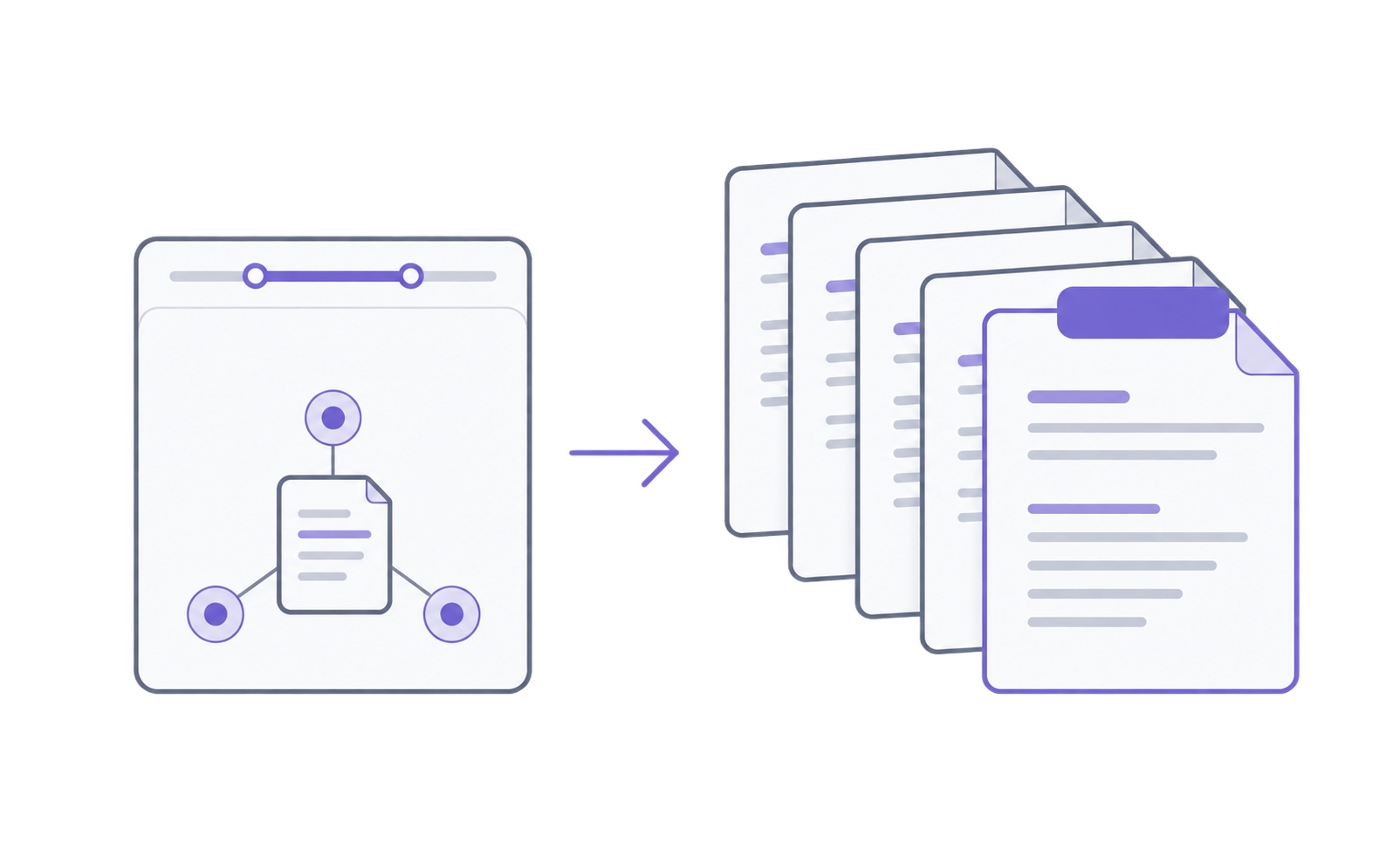
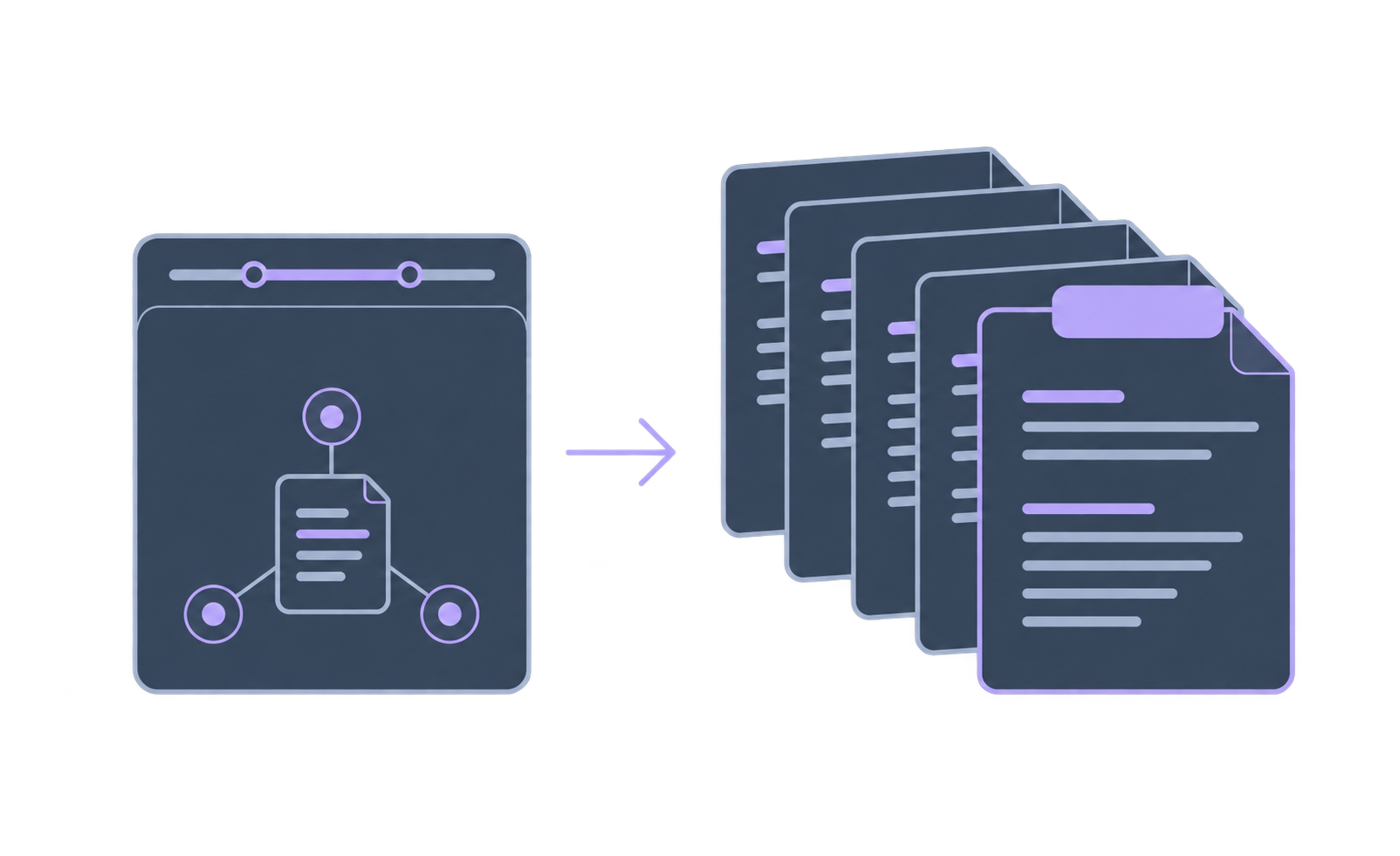
Discuss supported environments and collection coverage with us before deployment.
WERANA Point Connection · Asset coverage
An asset list alone can make it difficult to understand services as servers and containers grow. Review collected assets alongside connected risks to identify areas that need more attention.
Review collected servers, containers, and Kubernetes assets alongside the collection status of each target.
Inspect vulnerabilities, external exposure, and current suspicious activity across connected assets.
Compare collected results with your asset inventory to review coverage and distinguish targets with insufficient information.
See how these capabilities fit the security work you already do.
Compare assets already under management with the targets WERANA can collect to define the scope you need.
Review the service and asset relationships your team needs to understand, together with the evidence behind them.
Compare collection status with the asset inventory to identify targets with insufficient information.
WERANA Point Connection · Business priorities
The same risk rating can have different implications for different operations. Consider asset criticality, external exposure, and current suspicious activity to decide what to review first.
Apply the asset criticality defined by your organization in risk calculations.
Inspect vulnerabilities, external exposure, current suspicious activity, and the evidence behind asset relationships.
Review potential paths to critical business assets and their supporting evidence to help set investigation priorities.
See how these capabilities fit the security work you already do.
Review the assets that matter to your organization and the criticality criteria to apply in risk calculations.
Compare the risks your team considers important with the relationships and exposure conditions shown in the product.
Use the same work scenario to review which information can be considered together and what still requires separate investigation.
WERANA Point Connection · Reporting evidence
Gathering records again to explain a past assessment? Retain its selected scope, results, and supporting evidence together for later reporting and audit review.
Retain the assessed assets and selected scope alongside the results.
Keep selected source material, assessment results, and supporting evidence together for later review.
Supported configurations provide assessment results and evidence linked to applicable Korean standards.
See how these capabilities fit the security work you already do.
Check whether retained records include the time, targets, scope, and evidence needed for your reporting and audit review.
Keep selected assessment results and their supporting evidence together so they can be revisited for reporting.
Check whether the recipient can review the earlier results and evidence, and identify any additional records needed.
Tell us about your servers, services, and security priorities. We will explain supported capabilities, collection scope, and deployment requirements.
Review installation locations and required permissions, then support initial setup within the agreed scope.
Review initial collection results and explain how to use the findings.
Define the data provided to AI, the systems it connects to, and the tasks it can perform. For AI that reads internal data or carries out work, check that its account has only the permissions it needs before use.
In supported environments, WERANA helps review service account permissions, risk reasons, and long-lived credentials. Use these findings to assess the accounts and permissions in the infrastructure AI connects to.
Compare the inventory with devices in operation, and review open connections and protection coverage together. Check whether devices are registered and included in the protection scope as part of the review.
WERANA discovers unmanaged devices and open services within the inspection scope. In supported service environments, compare access restriction policies with running targets to identify coverage gaps.
Alongside recovery planning, prepare to reduce entry and spread by maintaining restorable backups, reviewing external and internal connections, and establishing procedures to isolate suspicious targets.
WERANA analyzes open remote access and potential paths to critical operations. Review relationships and supporting evidence to identify devices to inspect first and points where a response may be needed.
First review which operations depend on the process or connection. Distinguish stopping a process, restricting specific traffic, and isolating network access and set the scope with business impact in mind.
WERANA provides process termination, traffic blocking, and target isolation depending on the environment and permissions. Select a response according to the threat location and required scope.
Storage depends on the delivery model and deployment configuration. Before adoption, confirm what data is collected and where it is processed and stored against your organization's data requirements.
WERANA supports deployment within the customer environment to collect and analyze security data. Findings and supporting evidence can be stored inside the customer's network.
Tell us about your servers and security challenges.
We will explain supported features, scope, and adoption requirements.